
Up front, your VOYlegal dashboard contains your job best matches, based on your location, years experience and practice experience. Need to change your match criteria? Learn how to edit your profile here.
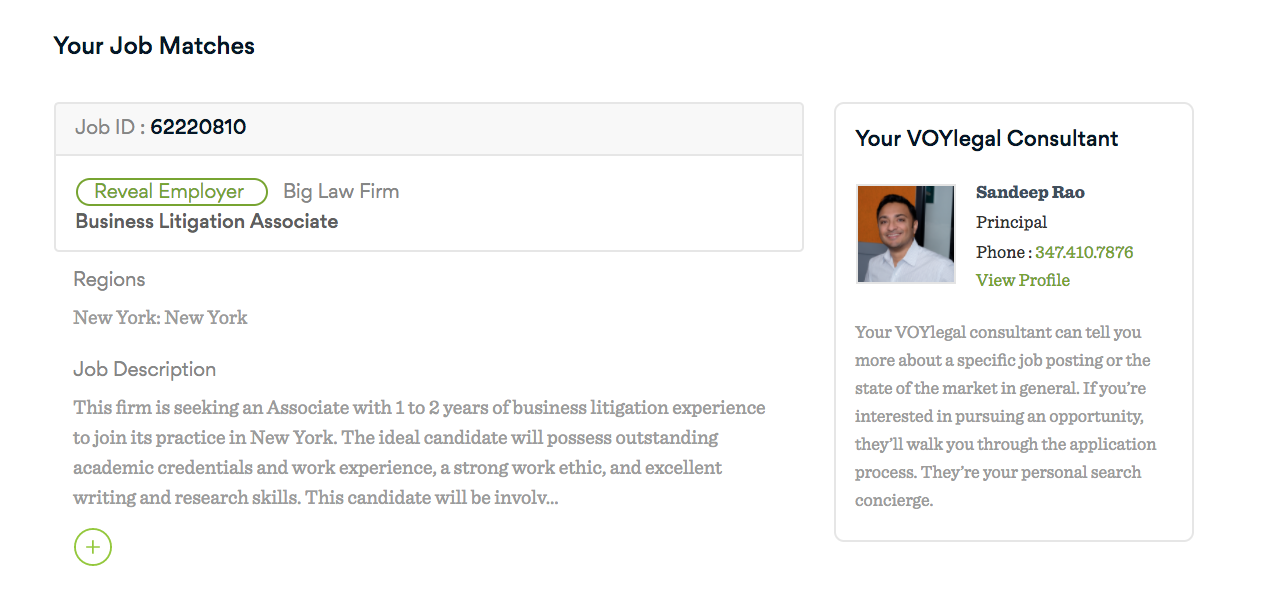
If you see a job that interests you, you can:
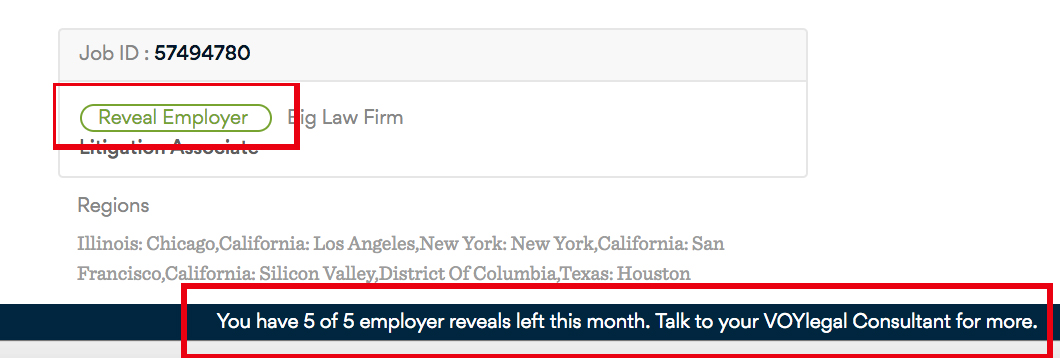
- Identify the employer, by clicking on the Reveal Employer button. As a VOYlegal member, you receive a default of five confidential employer reveals a month. If you'd like more, feel free to reach out to your VOYlegal Search Consultant. We're happy to increase reveal counts.
- Save the job for later, by clicking the Save Job link. You can save as many jobs as you wish and access them in your saved jobs folder by clicking the link at the top of your dashboard.
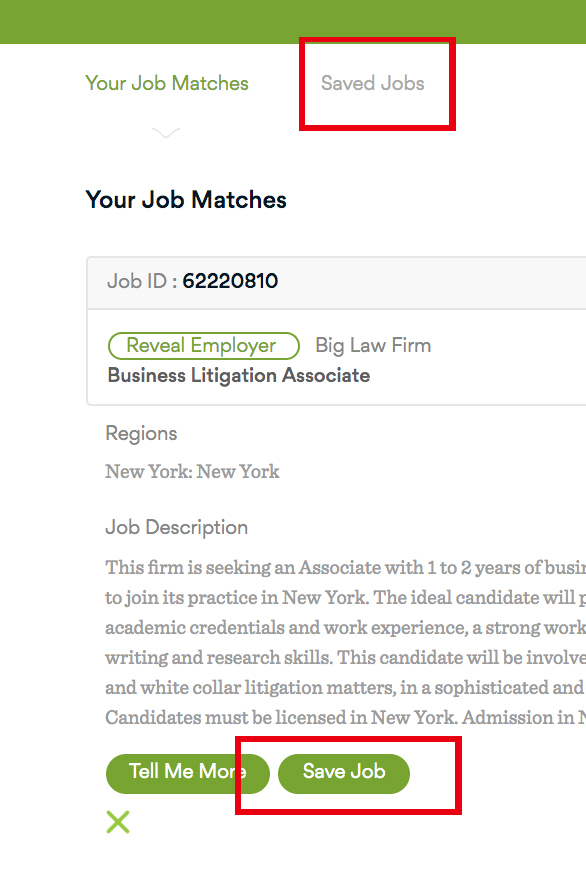
Saved jobs remain in your folder until they are filled or closed by the employer.
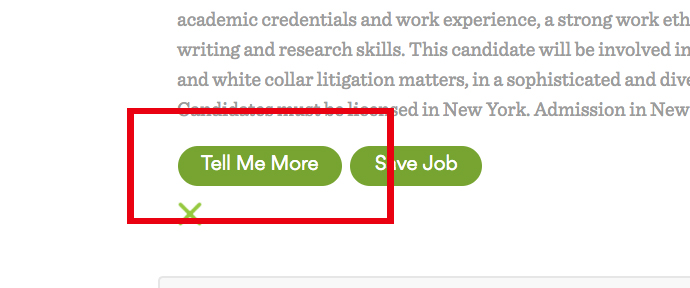
- Ask for more information, by clicking the Tell Me More link. This will notify your search consultant and they will reach out to you as soon as possible.
Comments
0 comments
Article is closed for comments.