
While our automated job matches are tailored to achieve the greatest accuracy, you may want a broader or narrower search or to search for jobs that don't match your current profile. For example, you may want to search for jobs in a different region.
You can scour our database of job postings by:
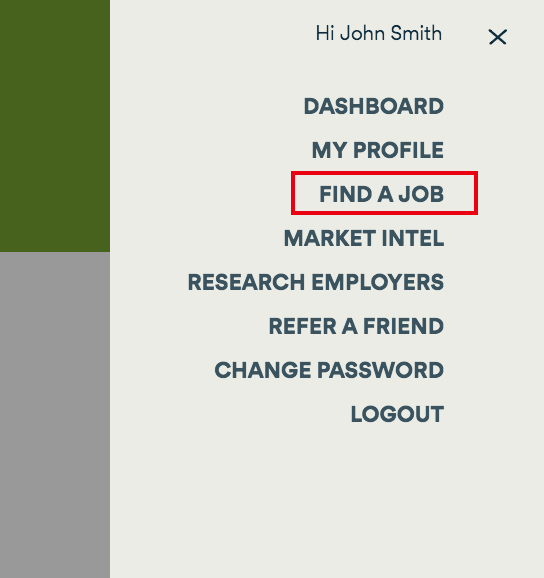
- Clicking Find a Job in the main menu at the top right of your screen.
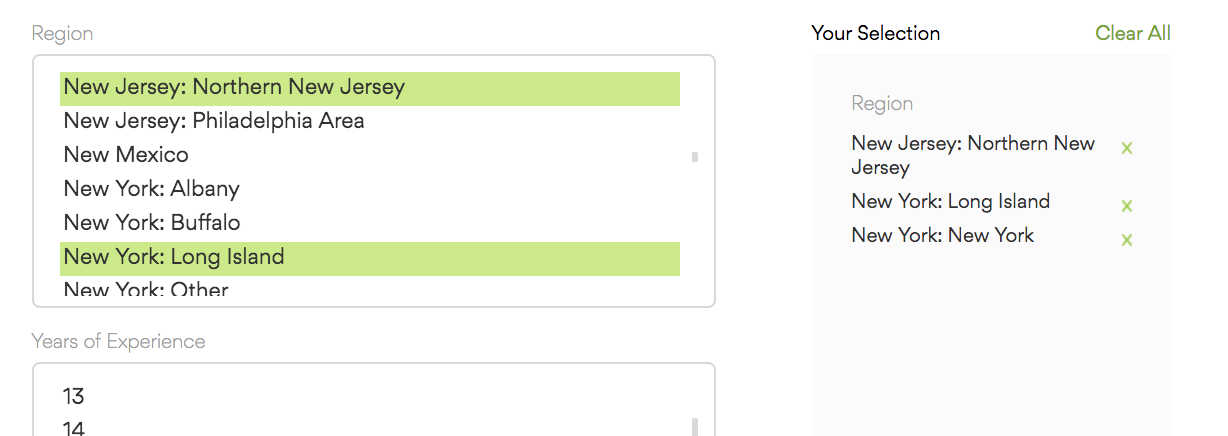
- Select the Regions you are interested in. We organize job postings by region, with the state first and a regional area, separated by a colon. Select as many regions as you may be interested in.
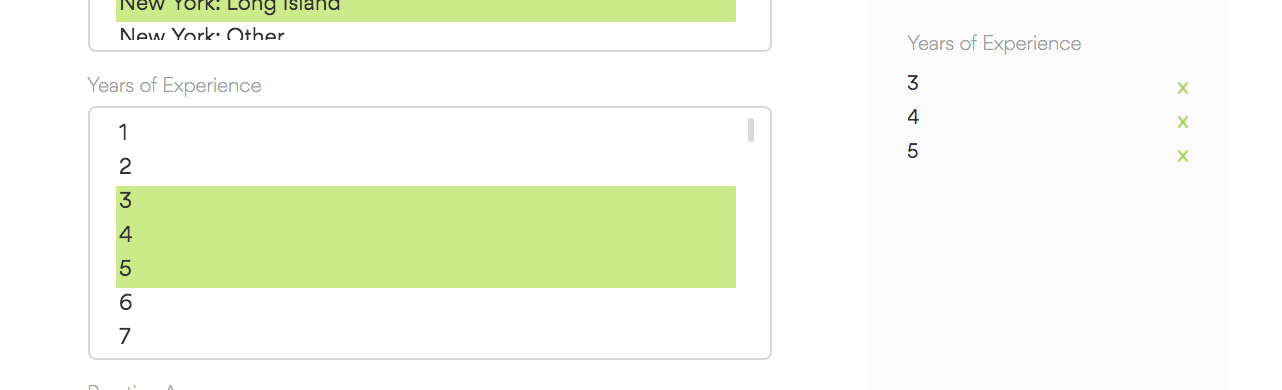
- Select your Years Experience. In general, it's a good idea to select your years experience as well as one year above and below. While employers are generally specific about the years experience they seek, they can also be flexible for well-qualified candidates.
- Select your Practice Areas and Practice Specialties of interest. Practice Areas are broad areas of practice, such as litigation or transactional law. Specialties are granular areas of practice or industry focus, such as capital markets or aviation.
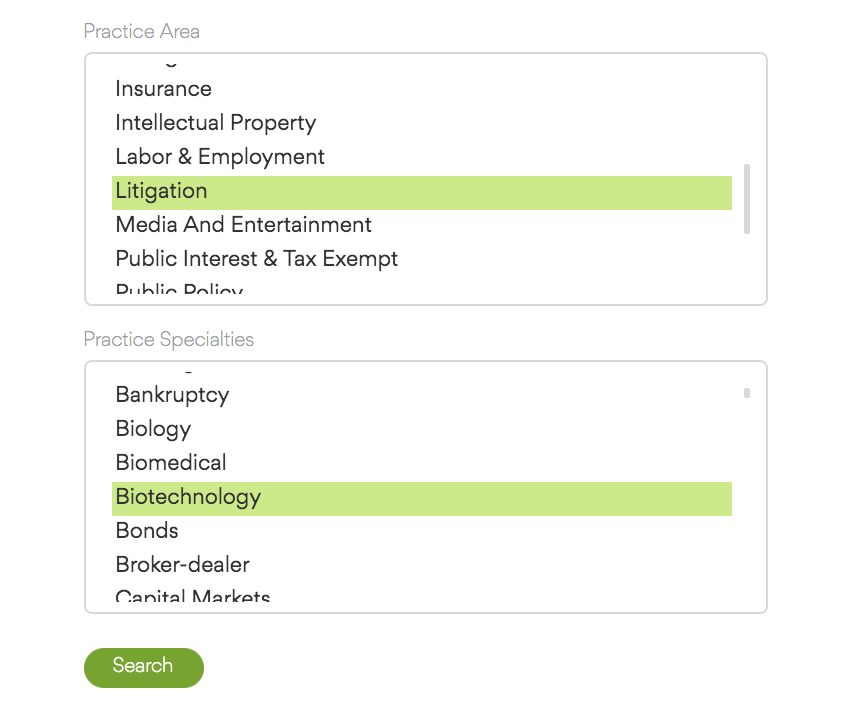
- Feel free to be as broad or narrow as you wish. However, it's important to note that some specialties and practice just don't make sense together. For example, you won't find an opportunity to be a family lawyer who specializes in electrical engineering patents.
- Click Search!
If your search results yield a job that interests you, you can:
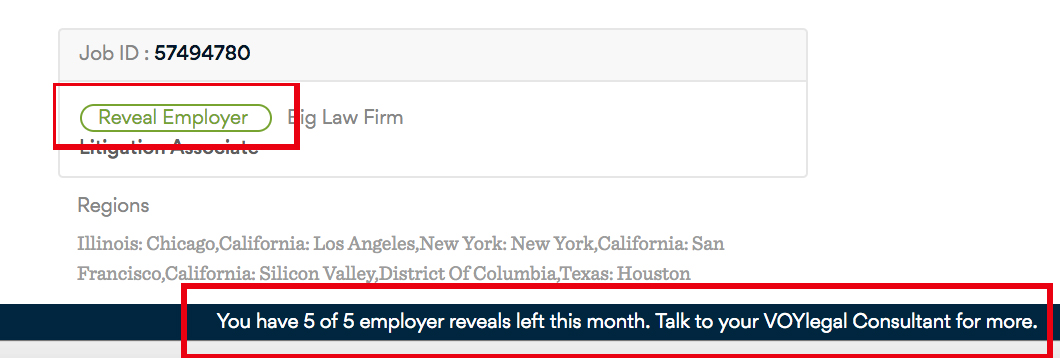
- Identify the employer, by clicking on the Reveal Employer button. As a VOYlegal member you receive a default of five employer reveals a month. If you'd like more, feel free to reach out to your VOYlegal Search Consultant. We're happy to increase reveal counts. (To learn about why we keep employer information confidential, click here.)
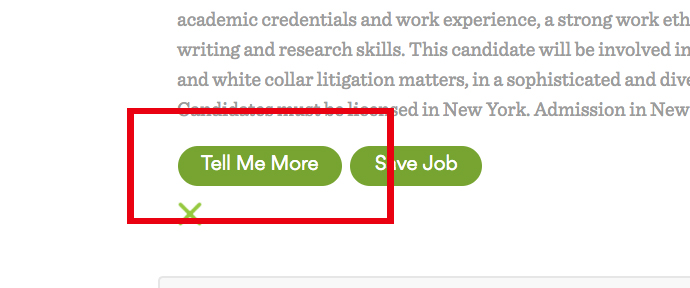
- Save the job for later, by clicking the Save Job link. You can save as many jobs as you wish and access them in your saved jobs folder by clicking the link at the top of your dashboard page. Saved jobs remain in your folder until they are filled or closed by the employer.
- Ask for more information, by clicking the Tell Me More link. This will notify your search consultant and they will reach out to you as soon as possible.
Comments
0 comments
Article is closed for comments.